
Why I Still Use Make
Why Make still earns a place in modern developer workflows as a compact way to name, document, inspect, and safely repeat local project commands again.
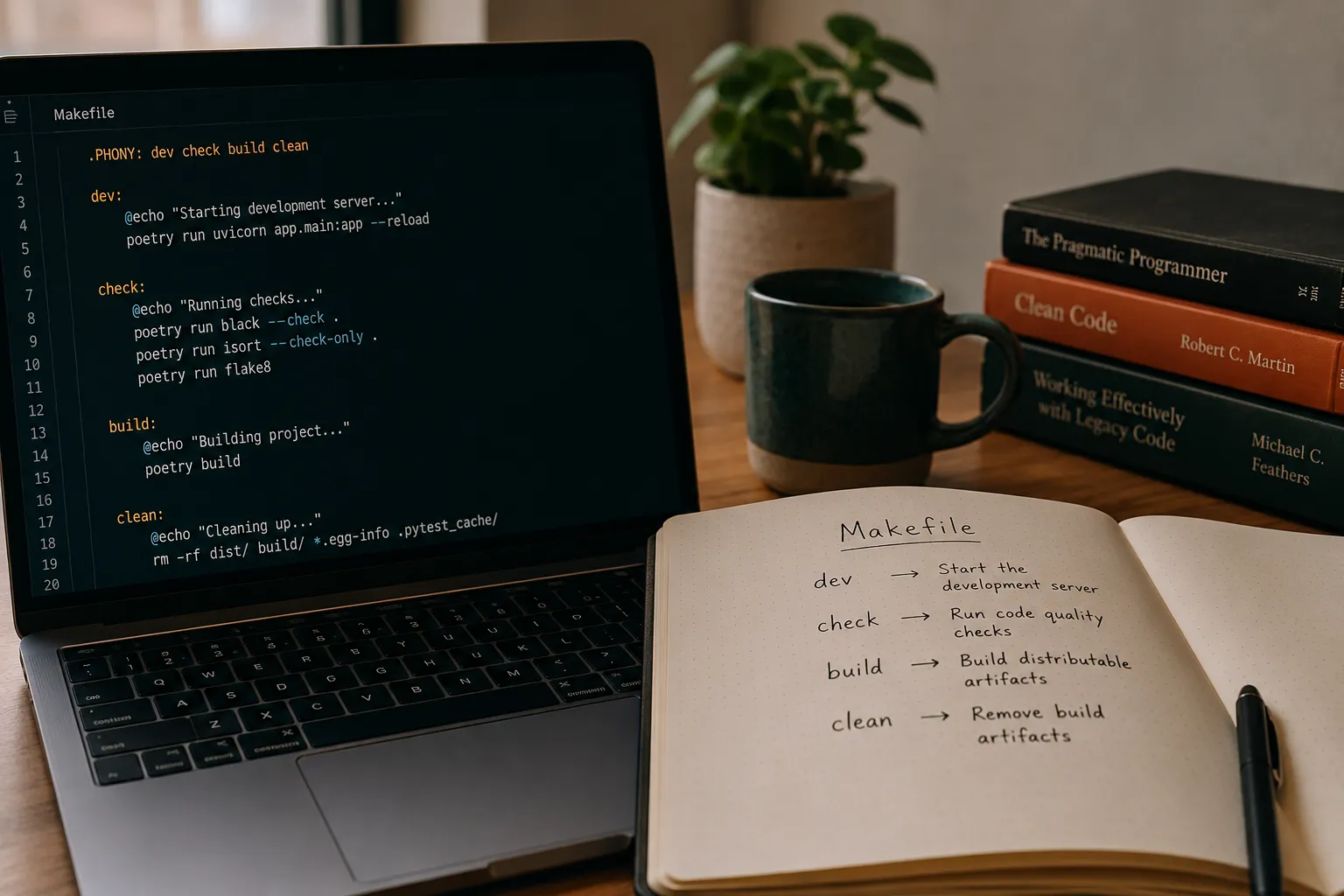
I still use make.
It is old, its syntax has sharp edges, and tabs matter in a way that still feels slightly absurd. It was designed around file dependencies and compilation rather than the modern idea of a pleasant project task runner.
I keep using it because it is boring, installed almost everywhere, easy to inspect, and good enough for a surprisingly important job:
turning repeated commands into named, executable documentation.
That is also why this site is comfortable to maintain as a Markdown-first, Git-first project: the important workflows are visible as text.
Remembering Commands Is the Problem
Most local automation starts because a command is annoying to remember.
The exact flags matter. The order matters. The working directory matters. The environment variables matter. Sometimes the command is not a single command at all, but a small sequence:
npm run lint
npm run check
npm run build
None of that is hard. But after a few repositories, servers, experiments, and personal tools, the details blur.
One project uses npm run check.
Another uses dotnet test.
Another needs a Docker Compose pull before the deploy.
Another has a dry-run mode that I should use before touching a remote host.
I can rediscover the command, but I may rediscover it slightly differently every time.
That is where a small Makefile helps. It gives the command a name.
check:
	npm run lint
	npm run check
	npm run build
Now I do not have to remember the exact validation sequence. I only have to remember:
make checkIt does not need to be sophisticated.
A Makefile is a map
The most useful Makefiles I write are simple project maps:
.PHONY: dev check build preview clean

dev:
	npm run dev

check:
	npm run lint
	npm run check
	npm run build

build:
	npm run build

preview:
	npm run preview

clean:
	rm -rf dist
There is nothing here that could not be written somewhere else.
The value is the shape.
Open the file and you immediately see the verbs of the project. You see how the maintainer thinks about local work. You see the shortest path to running, checking, building, previewing, cleaning, deploying, or debugging something.
In that sense, the Makefile is not only automation. It is a table of contents for operations.
README files can describe those operations, and they should. But documentation has a common failure mode: it drifts away from the real command.
Executable documentation has a smaller gap. If the command changes, the thing people run has to change too.
The documentation can still rot, of course. A Makefile is not magic. But it keeps the explanation closer to the action.
Boring tools compose well with messy reality
I like polished tools.
I also like tools that do not care much about my stack.
That is one reason make remains useful in personal workflows. It does not need the project to be a Node project, a .NET project, a Python project, or a Go project. It can sit above all of them and orchestrate the boring edges.
That matters because real work often crosses boundaries:
- start a local site;
- run content checks;
- rebuild generated assets;
- dry-run a deployment command;
- update a remote stack;
- clean a build directory;
- wrap a one-off diagnostic command before it becomes muscle memory.
For each individual ecosystem, there is usually a more idiomatic place to put commands.
In Node projects, package.json scripts are natural.
In .NET, the dotnet CLI carries a lot of the workflow.
In Docker projects, Compose is already an orchestration surface.
In CI, the pipeline file should be the source of truth for build and release behavior.
But a developer’s local workflow often sits one level above those tools.
make is useful there because it can call all of them without trying to own them.
It can be the small layer that says:
site-check:
	npm run lint
	npm run check
	npm run build

docker-status:
	docker compose ps

remote-plan:
	ssh my-host 'cd /srv/app && docker compose pull --dry-run'
The details will differ from project to project. The pattern is the same: name the operation, keep it close, make it repeatable.
The dry-run habit
One of my favorite uses of make is asking what would run:
make -n updateThat small habit has saved me more than once.
When a target wraps remote maintenance, package upgrades, deploy steps, or cleanup commands, make -n gives me a cheap way to inspect the expansion before executing it.
It is not a security model. It is not a full plan engine. It will not understand every side effect.
But it is often enough to answer an important question:
what does this target actually do today?
That question matters because automation becomes dangerous when names sound safer or broader than the underlying command.
update might update a local workstation.
It might update remote hosts.
It might only run conservative package upgrades.
It might pull containers but not restart them.
It might clean generated output.
The target name is a hint. The dry run is evidence.
Where make feels bad, and what else exists
There are good reasons people reach for newer tools.
make syntax is not especially humane. The tab rule is infamous for a reason. Variables and shell behavior can surprise people. Cross-platform support is uneven. Error handling is primitive compared with a real programming language.
And if what you really want is a command runner, make carries historical behavior that can feel odd. It thinks in targets and files. If a target name collides with a file name, you need .PHONY. If you forget that, you can get confusing results.
just is not the only alternative, even if it is the one most people reach for first. There is no shortage of command runners, and a few are worth knowing:
justkeepsmake’s recipe shape but drops the build-system baggage. No.PHONY, clearer errors, recipe arguments, and a single static binary. If you mainly want named commands, it is often the most direct upgrade.- Task (
go-task) defines recipes in aTaskfile.yml. YAML instead of tabs, cross-platform by design, with optional file-based caching for when you do want build-like behavior. masktakes the executable-documentation idea further than I do here: tasks live in amaskfile.md, where Markdown headings become commands and fenced code blocks become their scripts. The file is the documentation.misebundles task running with version and environment management, defining tasks in TOML or as standalone scripts. Handy if you already use it to manage toolchains.- Ecosystem-native runners still matter too:
package.jsonscripts in Node,cargo-makein Rust, thedotnetCLI in .NET.
For many teams, especially when everyone can install the tool easily, one of these is the better choice. I do not see that as a problem for make.
It just clarifies the role.
If I am designing a clean task-running experience for a team, I should consider modern tools seriously.
If I want a tiny layer of named commands that will work on many machines, in many repositories, without much ceremony, make remains hard to beat.
Small automation is still architecture
It is easy to dismiss local Makefiles as personal convenience.
Sometimes they are.
But small automation shapes how a project is understood.
The commands we name become the commands we repeat. The commands we repeat become the workflow. The workflow becomes part of the architecture, even if it lives outside the application code.
That is why I like keeping these files boring and explicit.
A good Makefile should not require archaeology. It should not hide important behavior behind a maze of indirection. It should not become a second build system unless the project truly needs one.
For me, the best version is usually modest:
- a few common local commands;
- a validation target;
- one or two diagnostic shortcuts;
- deploy or maintenance targets only when the behavior is very clear;
- dry-run friendly commands where mistakes would be costly.
That is enough.
The goal is not to make everything automatic.
The goal is to make repeated work legible.
Old Tools Earn Their Place
I use make because it solves a recurring problem with very little infrastructure.
It puts the operational vocabulary of a project in one small file, names the boring things I do often, and lets me inspect commands before I run them. When I forget the exact incantation, future me has one place to recover the workflow.
Share